
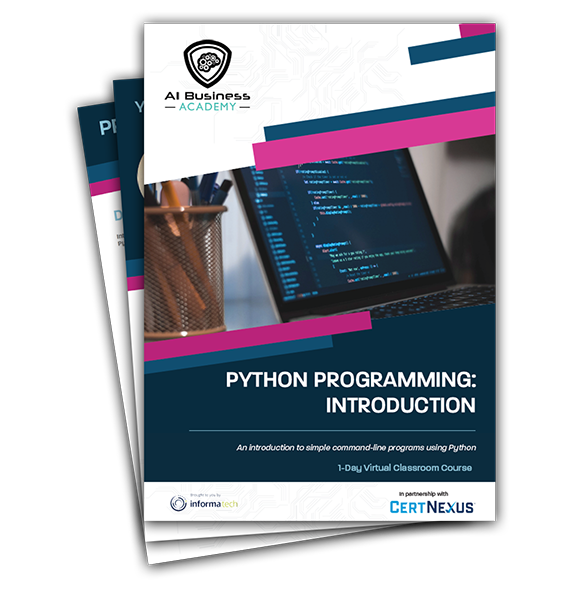
Python Programming: Introduction
2 x 4 Hour Session (2 Days)
Starting 7th October

Course Overview
2 x 4 Hour Session (2 Days)
Python® has been around for decades, but it's still one of the most versatile and popular programming languages out there. Whether you're relatively new to programming or have been developing software for years, Python is an excellent language to add to your skill set. In this course, you'll learn the fundamentals of programming in Python, and you'll develop applications to demonstrate your grasp of the language. This course is designed for people who want to learn the Python programming language in preparation for using Python to develop web and desktop applications
Course Objectives
In this course, you will develop simple command-line programs in Python, including:
○ Set up Python
○ Develop a simple application
○ Declare and perform operations on simple data types
○ Perform operations on strings, numbers & dates
○ Performa operations on data structures & lists
○ Perform operations on ranges, tuples & dictionaries
○ Write conditional statements & loops
○ Define and use functions, classes & modules
○ Manage files & directories through code
○ Deal with exceptions
Programme Agenda
Lesson 1: Setting Up Python and Developing a Simple Application
- Topic A: Set Up the Development Environment
- Topic B: Write Python Statements
- Topic C: Create a Python Application
- Topic D: Prevent Errors
Lesson 2: Processing Simple Data Types
- Topic A: Process Strings and Integers
- Topic B: Process Decimals, Floats, and Mixed Number Types
Lesson 3: Processing Data Structures
- Topic A: Process Ordered Data Structures
- Topic B: Process Unordered Data Structures
Lesson 4: Writing Conditional Statements and Loops in Python
- Topic A: Write a Conditional Statement
- Topic B: Write a Loop
Lesson 5: Structuring Code for Reuse
- Topic A: Define and Call a Function
- Topic B: Define and Instantiate a Class
- Topic C: Import and Use a Module
Lesson 6: Writing Code to Process Files and Directories
- Topic A: Write to a Text File
- Topic B: Read from a Text File
- Topic C: Get the Contents of a Directory
- Topic D: Manage Files and Directories
Lesson 7: Dealing with Exceptions
- Topic A: Handle Exceptions
- Topic B: Raise Exceptions